How We’re Upscaling Our Brand Design and Social Media Management with AI

Across all industries, we’re seeing a massive shift in efficiency rates. Some tasks that used to take hours, days, or even weeks now take significantly less time. While some agencies are still deciding whether to embrace AI, we're already submarine-level-deep, learning what works and how to use it without sacrificing our creative edge.
92% of workers say AI boosts their productivity, according to Zapier. The opportunities to optimize your workflow and enhance your creativity are massive. But with so many AI tools out there, it can be overwhelming to know where to start.
Here are the ones on our radar as of February 2026.
No Code Skills? No Problem. Tools to Bring Your Website and App Visions to Life
Lovable AI
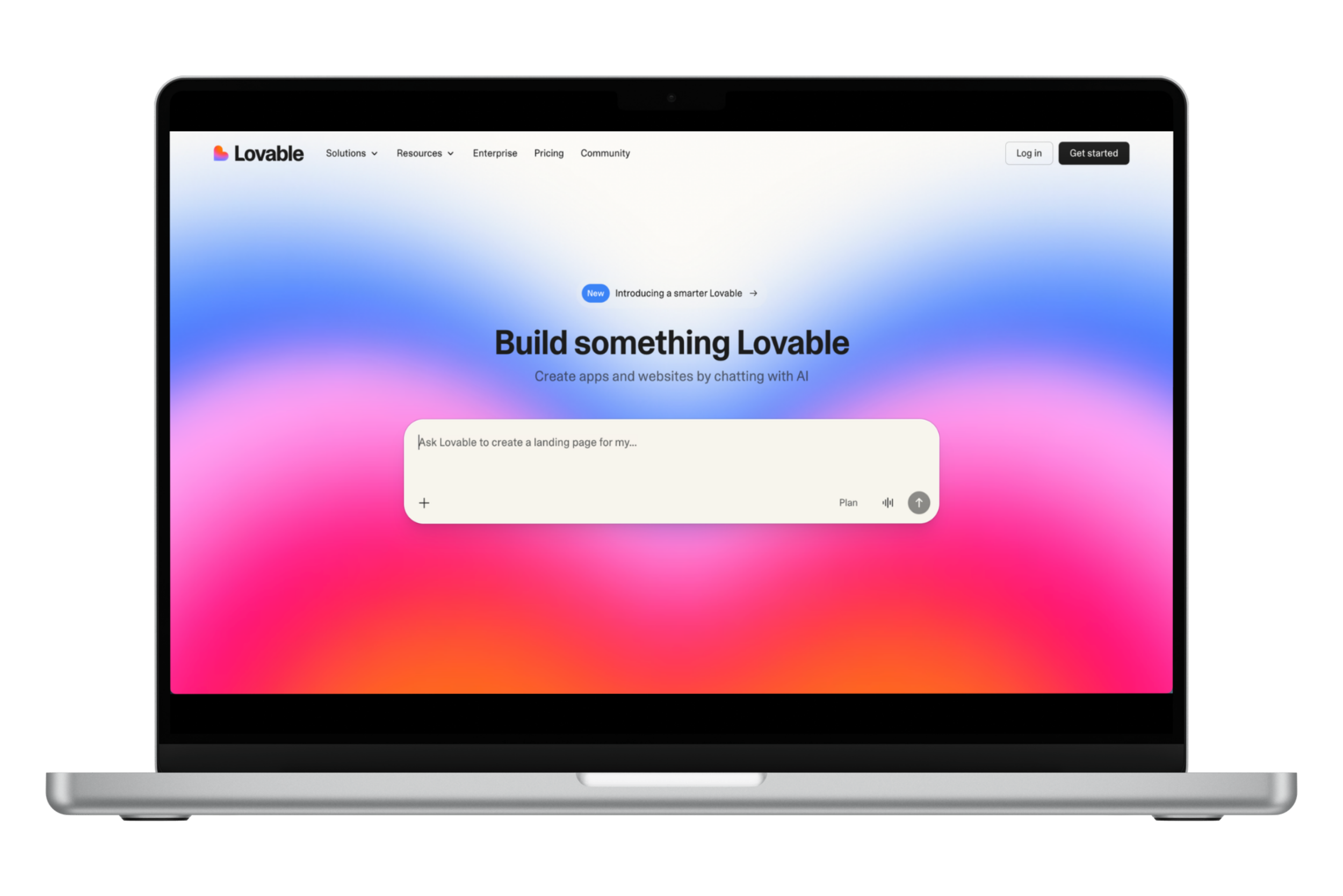
Lovable AI ideal for quick mockups and simple applications. By explaining your vision, you'll be able to bring it to fruition without fighting Squarespace or Wix. For anything sophisticated, you'll still need an engineer, but for rapid prototyping and client testing? It gets the job done.
Base44
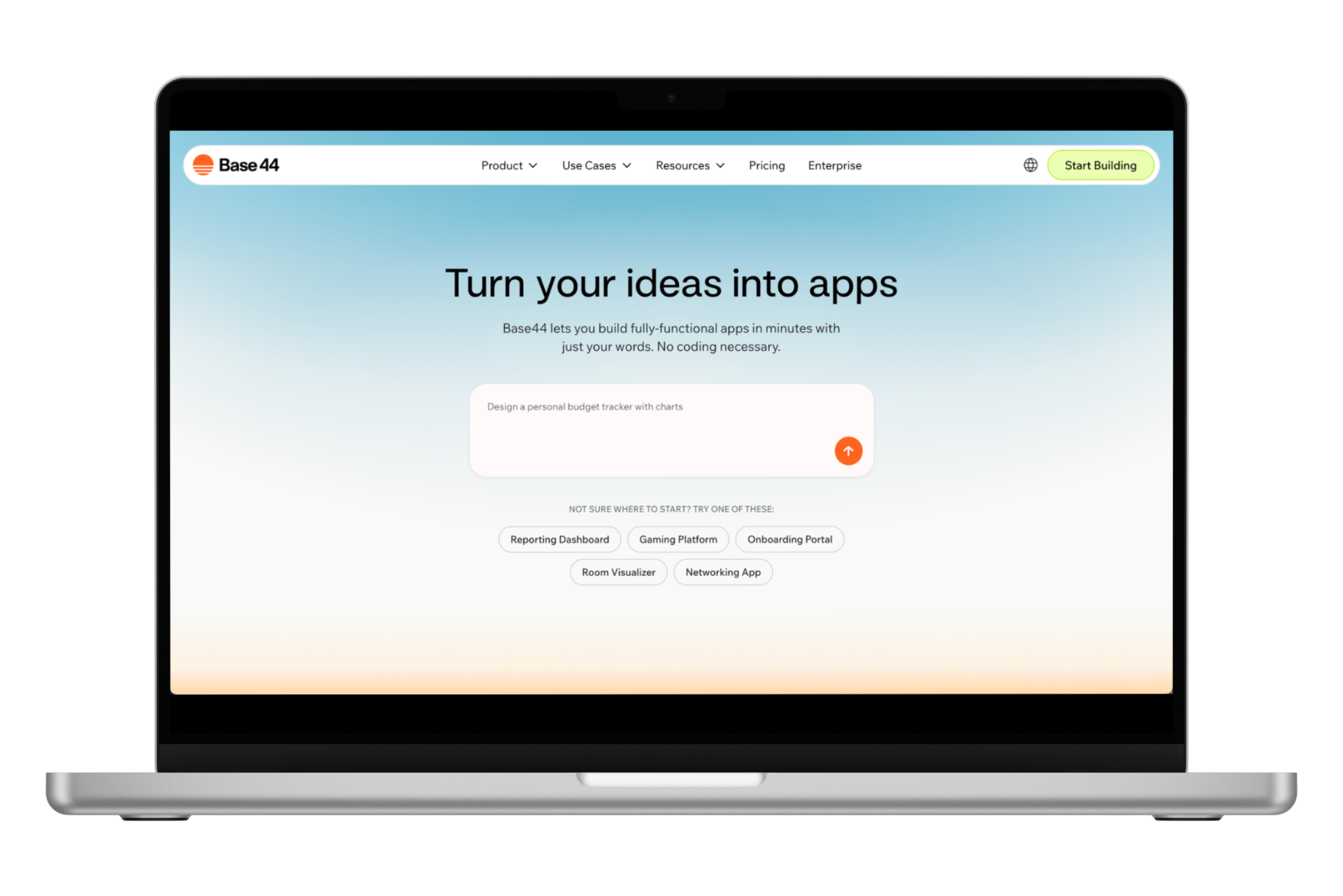
Base44 builds apps in minutes with built-in hosting, custom domains, and analytics right out of the box—no jargon required.
It's highly beginner-friendly and automatically matches you with the best AI model for your project. You can go from concept to published app using simple language without juggling multiple platforms or becoming an AI expert first. Great for visionaries who might not have the technical skills.
The Coding Tools to Add to Your Box
GitHub
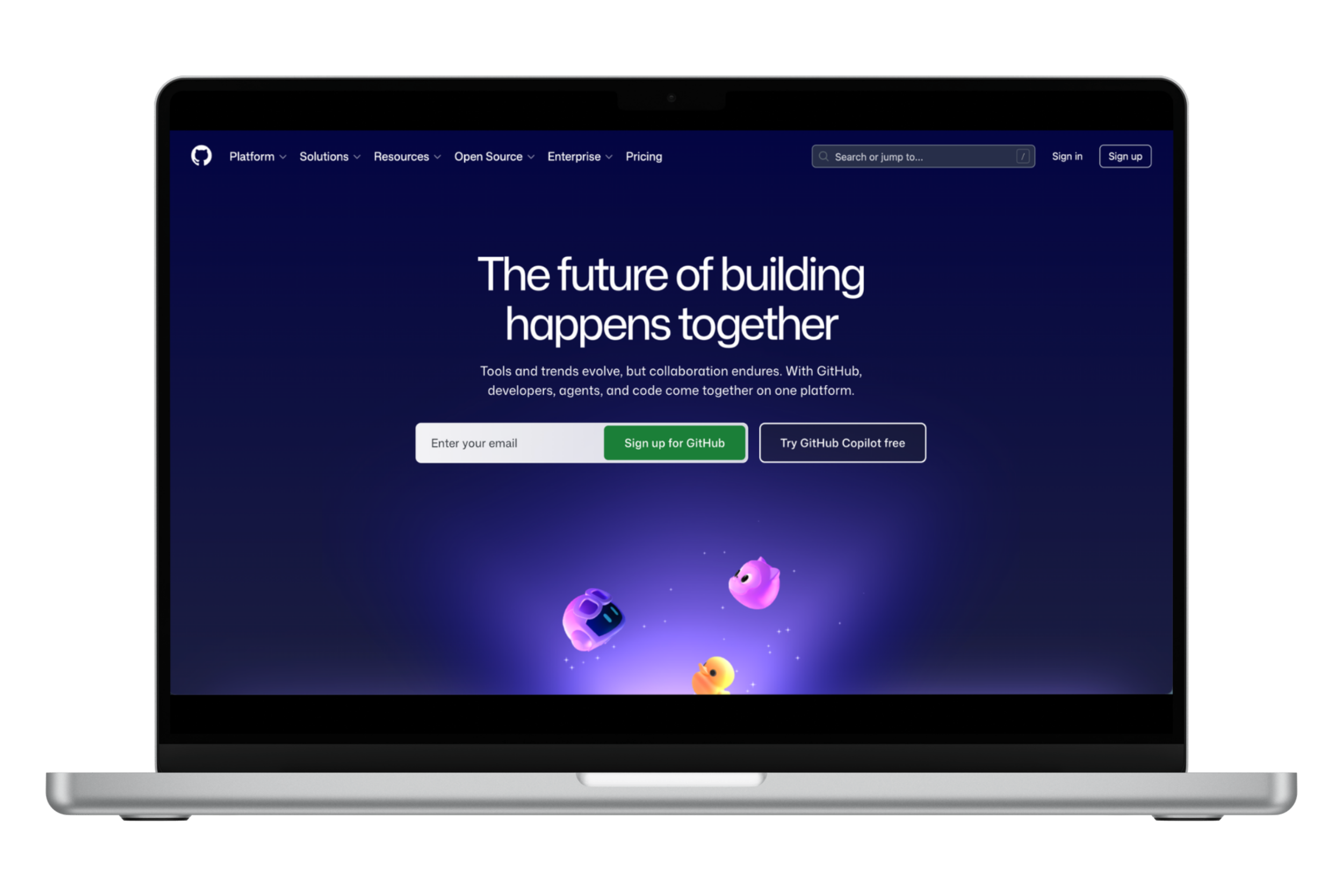
GitHub enables teams to share and develop code seamlessly and securely. Through their push protection, they claim to have stopped 8.3 million leaks in the past year. It's a centralized, secure hub for collaboration, code review, and error detection before issues arise. The AI suggestions help you understand why something works, whether you're seasoned or just learning.
The desktop version adds features like unlimited "undo" for entire projects. You can store code locally, log versions, and trace back to previous iterations—experiment without fear of breaking everything.
Voice-to-Text that Keeps Up with Your Ideas
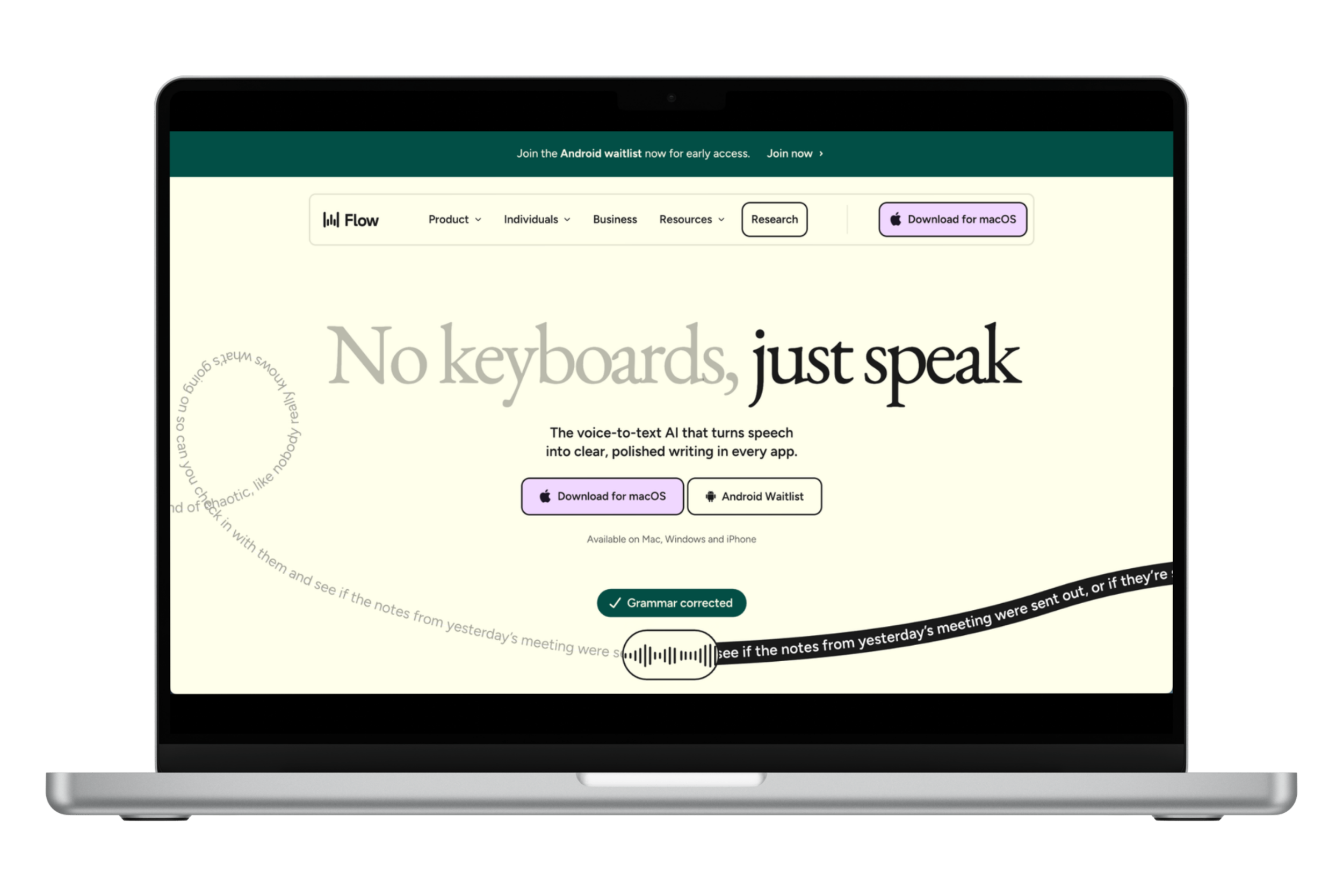
Wispr Flow
Tired of the weird cornucopia of nonsense that your typical voice-to-text app produces? Wispr Flow brings text up to the speed of thought. It uses AI to remove filler words, learns your custom vocabulary (e.g., work acronyms, friends' names), adjusts tone based on the app you're using, and transcribes in 100+ languages with zero data retention.
Behind-the-Scenes MVPs

Make.AI connects different software and AI tools through triggers and actions. It integrates with over 3,000 apps to maintain a cohesive workflow in one place.
Google AI Studio bridges the gap between AI-generated code and working prototypes. Take code from Google Gemini and turn it into front-end developments, websites, and apps.
Google Gemini and ChatGPT can also be used for everything from generating code to brainstorming concepts.
Create the Visuals without the Headache…
Gamma handles the layout grunt work for presentations. Instead of fighting with alignment for hours, you describe what you want and let the AI handle design decisions.
For image creation, there are multiple options to choose from, depending on your needs. Higgsfield integrates top AI tools in one place and delivers solid value when investing in visual content creation. Nano Banana Pro excels at image creation and editing. ChatGPT works well for conversational image prompts. Canva is trusted for creating professional content.
The AI Workflow at AMD
Here's how we're incorporating AI in our work and why:
We use ChatGPT to generate CSS and HTML for Squarespace sites. This lets us offer clients custom features without the timeline of full custom development– meaning faster turnarounds without compromising uniqueness.

Sora handles brand mockups and video concepts, enabling us to iterate on visual direction quickly before committing to full production.
ChatGPT builds content calendars, analyzes competitors, and researches client industries for our social media clients. What used to take hours of manual research now takes minutes, giving us more time for strategic implementation.
DID YOU KNOW
✧
DID YOU KNOW ✧
65% of senior executives say leveraging AI and predictive analysis are primary contributors to growth, according to Adobe. We're seeing that growth firsthand: AI handles the tedious parts so we can focus our energy on serving our clients.
Our Approach: Reverse Prompting and Keeping Creative Control
One technique we've been using across projects is reverse prompting, which has changed how we think about AI in the creative process. Here's how it works:
1.
Upload an image to ChatGPT and ask it to describe what it sees.
2.
Use that description to generate variations or explore new directions.
Why it matters: You're teaching AI your aesthetic language instead of starting from a blank prompt. This keeps you in control of the creative direction while enabling faster iteration with AI. We use this when exploring visual directions for clients, maintaining brand consistency across variations, or when we have a reference point but need to push it further.
This is part of our larger philosophy: AI supports our work, but it doesn't drive it.
AMD’s AI Policy on Projects
We use AI to:
Handle repetitive tasks (formatting, resizing, batch processing)
Iterate on concepts (mockups, drafts, visual explorations)
Conduct research (competitor analysis, industry trends, content ideas)
Generate starting points (code snippets, layout options, copy frameworks)
We don't use AI for:
Core brand strategy and positioning
Final creative decisions that define a client's voice
Client relationships and communication
Work that requires deep cultural understanding or nuance
The difference between good design and design that makes waves is human judgment.
How to Keep Brand Voice When Using AI
ChatGPT can brainstorm, but it shouldn't write your final copy.
Use AI as your outline. Let it handle structure and information, then bring it to life with organic content.
Feed it examples. The more you show AI what a brand sounds like, the closer it gets. Having a folder with as many examples as possible can provide context, but you’ll still need to polish it.
Know what to keep and what to cut. AI is great at pattern recognition. However, that isn’t how we naturally speak or write. It might tell you to cut something that’s actually letting your brand’s personality shine. Discernment and looking things over with a critical eye is integral. Bottom line: you’re the expert– not AI.
In Conclusion
At AMD Creative, AI is replacing parts of the design process that serve no one: repetitive tasks, manual data entry, and hours spent on formatting. But it's not replacing judgment, strategy, or creativity.
The brands thriving aren't the ones letting AI do all the thinking. They're the ones finding the balance and using AI to move faster while preserving the human judgment that makes design memorable.
That's the wave we're riding, and we're finding new ways to make it work for ourselves and our clients every day.